We’ll build and publish our own Android Library in this tutorial. You can use the library in all of your upcoming projects by releasing it. Additionally, other people can utilize the library for their projects.
Therefore, let’s begin:
Creating The Android Library
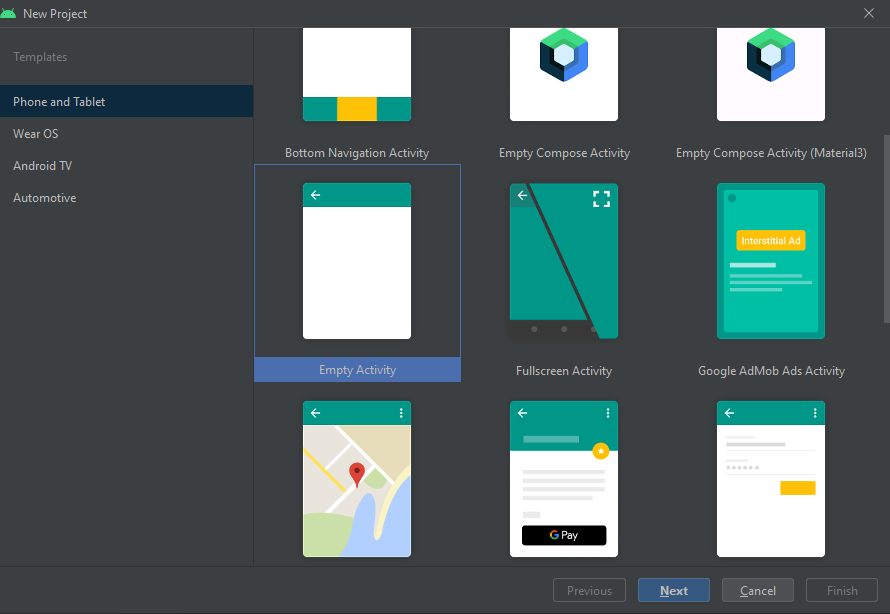
Open Android Studio and create a new project. Give the name “HttpConnection” to the project.
Click on Finish and your project will be ready. Now create a new Module in your project
Name Your Library as httpConnectionlib and click finish.
Your module httpConnection has been added. Now we need to add code to our library. Create a new Class in the module and name that class. Add the required file to the library.
I have added two classes, FetchData and PutData.
So now, our library is finished, it’s time to publish it.
JitPack will be used to publish the library because it makes the procedure a great deal simpler.
A GitHub repository is all you require.
Publishing the Android Library
Now we are going to create a new GitHub public repository and push our code:
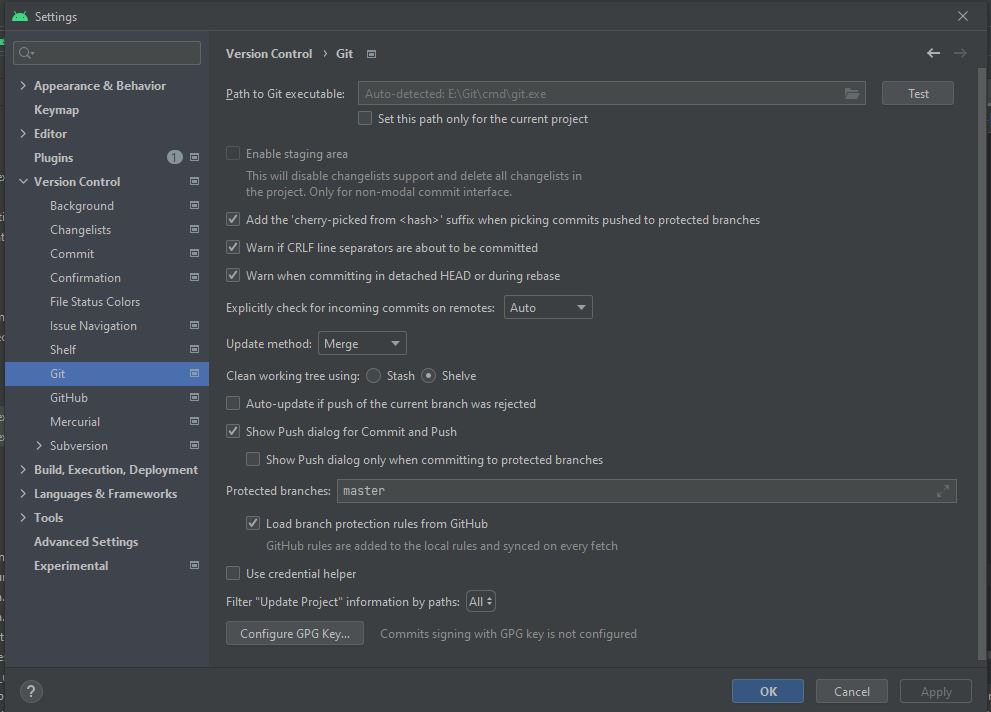
Now you can set up your Android Studio to push the code to this repository. You can do it as per my previous blog:
Now in your GitHub repository, you should be able to see your code:
Now you need to click on the release button to release this code for usage
Publish the release. Open a new tab and go to jitpack.io. Insert your repository address and click on Lookup. Your releases will be listed. Now click on Get it.
click on the get it button there and you will get the instructions on how to use it:
Now your Android Library has been published and is ready to be used.
Using the Android Library
Now you can use this android library in any of your projects. In your project’s build. Gradle add the following line maven { url ‘https://jitpack.io’ }