
Author: Gurubheemacharya Karjol
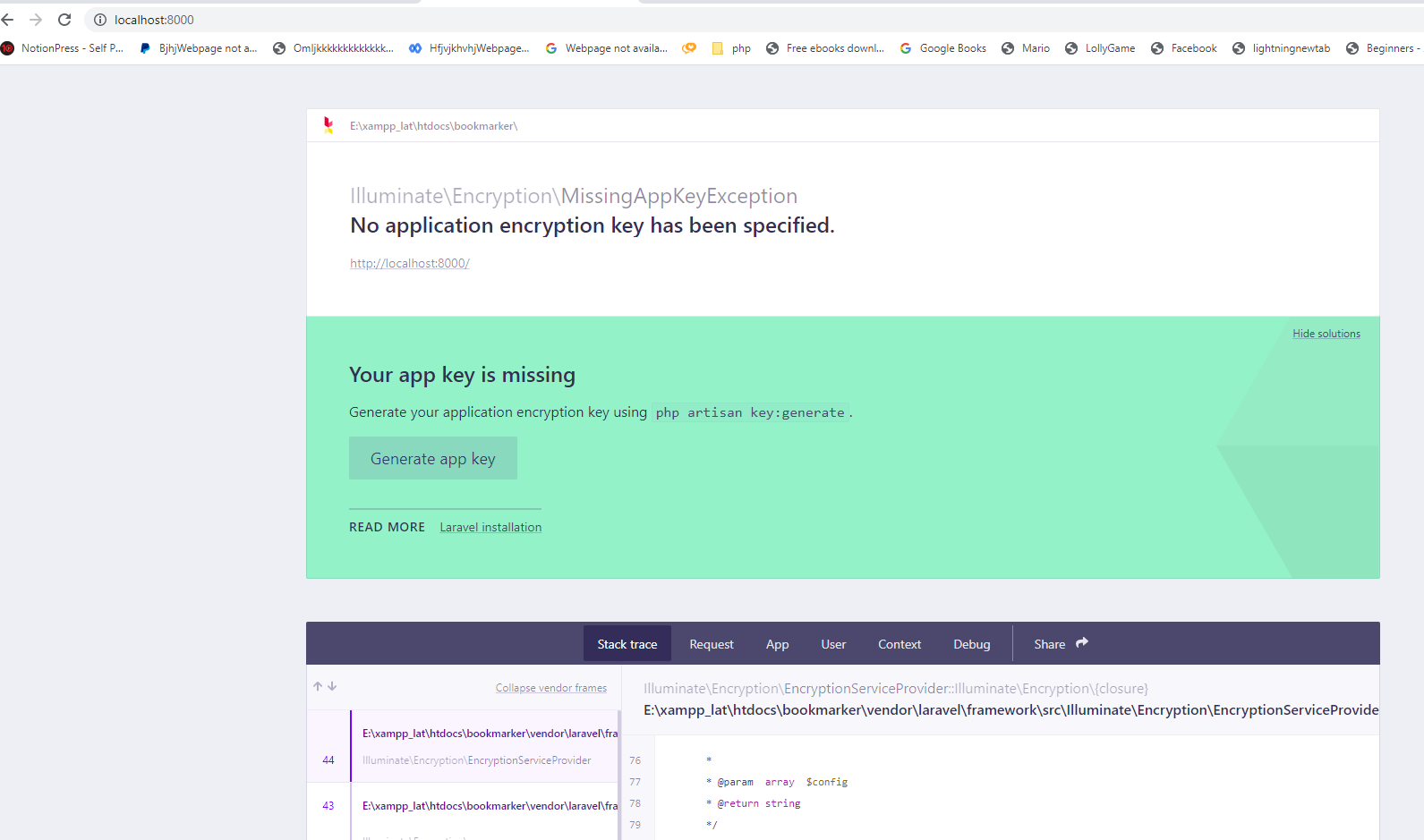
“No Application Encryption Key Has Been Specified” Error in Laravel Application
- 0

While creating a new laravel application from the begining, you only need the below things: A terminal PHP-7.0 installed composer installed and available in your path npm installed aad available in your path. After all the above installed in your computer , You can create a new Laravel project from the command prompt: composer create-project laravel/laravel Myapplication…
Read MorePlaying a YouTube video in the Android application
- 0
We want to play Youtube video by streaming it directly from YouTube without downloading. Also, while playing videos, I want provide menu options. I don’t want to play video using default intent. How can we do this? There are multiple ways to play the youtube video in your android application. One of the easiest way is…
Read MoreHow to decide MahaShivaratri date
- 0
Maha Shivaratri is an annual Hindu festival commemorating the god Shiva. The name also alludes to the night when Shiva performs the divine dance known as Tandava. On the day before the new moon in each month of the luni-solar Hindu calendar, there is a Shivaratri, or “night of Shiva.” But once a year, this…
Read More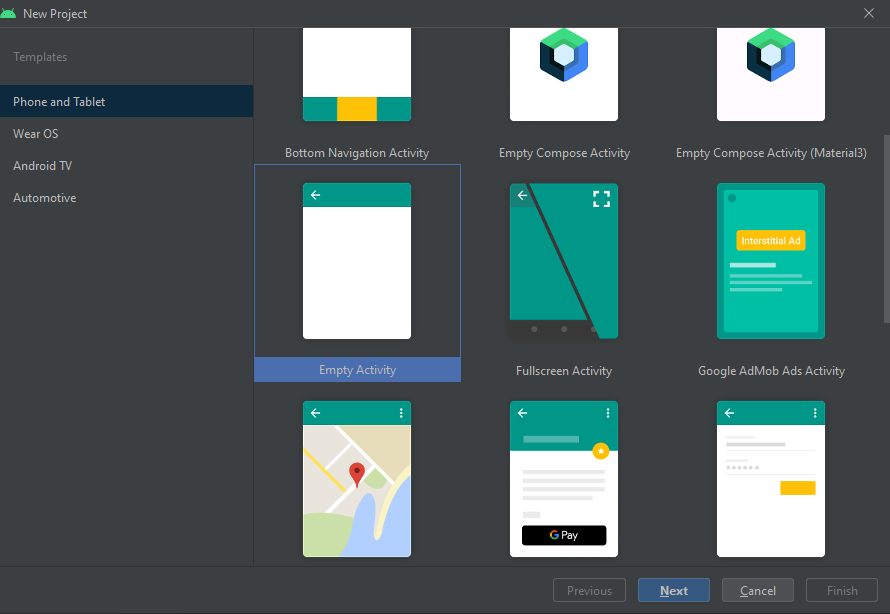
How to create your own Android Library and publish it
- 0
We’ll build and publish our own Android Library in this tutorial. You can use the library in all of your upcoming projects by releasing it. Additionally, other people can utilize the library for their projects. Therefore, let’s begin: Creating The Android Library Open Android Studio and create a new project. Give the name “HttpConnection” to…
Read More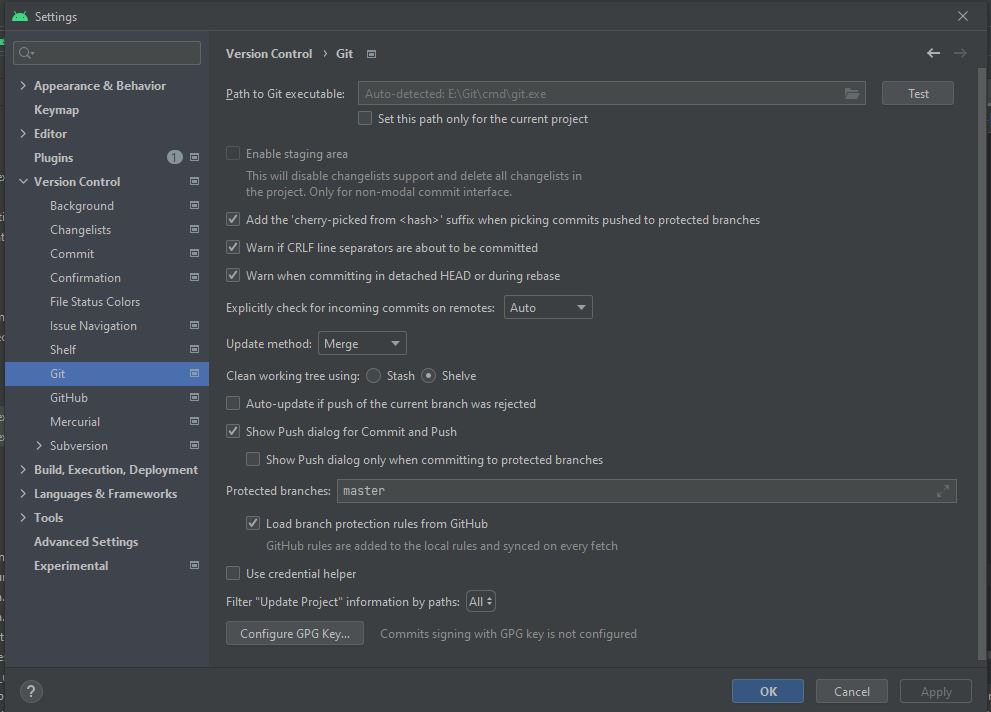
How to Use Git in Android Studio
- 0
In this blog, you will learn how to use Git in Android Studio. Firstly, you will learn the basic concept of Git and then create a new project using Git. Next, you will learn how to clone and fork a repository. Next up, you will see how to push your changes online using Github. Also…
Read More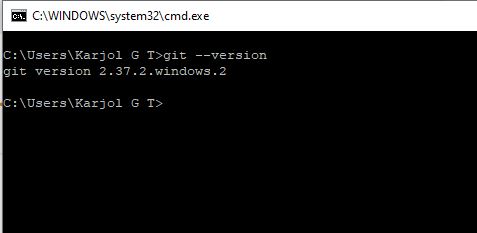
How to upgrade Git on Windows to the latest version
- 0
Upgrading Git on Windows is a simple process that can be accomplished in a few minutes. You shouldn’t need to take any special action to update your Git client software; simply update the program as instructed in the installation message. You can find the version of your installed git with the below command: git –version:…
Read More