
Category: Android Studio
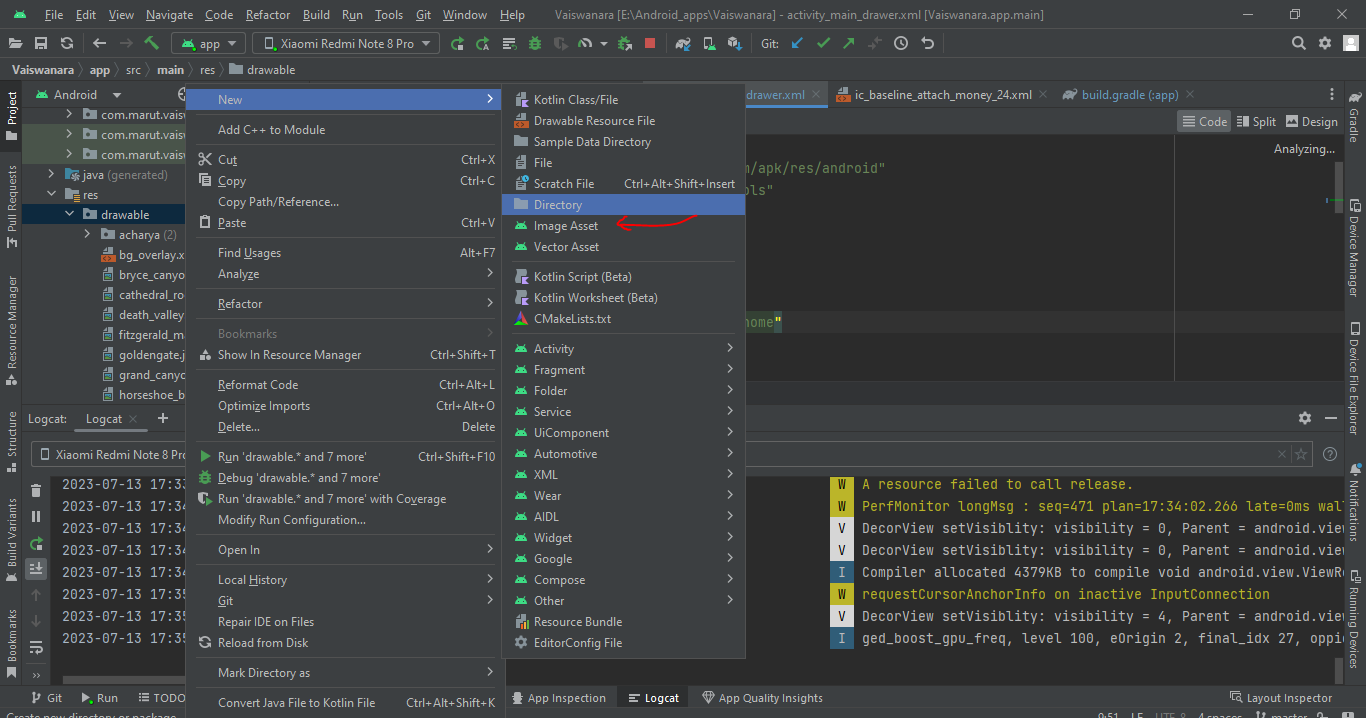
How to add drawable resources to an existing Android Studio project
- 0

To add a drawable resource to an existing Android Studio project, you can follow these steps: Open your Android Studio project. In the Project Explorer pane on the left side, navigate to the res folder. Right-click on the res folder and select “New” -> “Android Resource Directory”. In the “Resource type” dropdown, select “drawable”. Click…
Read More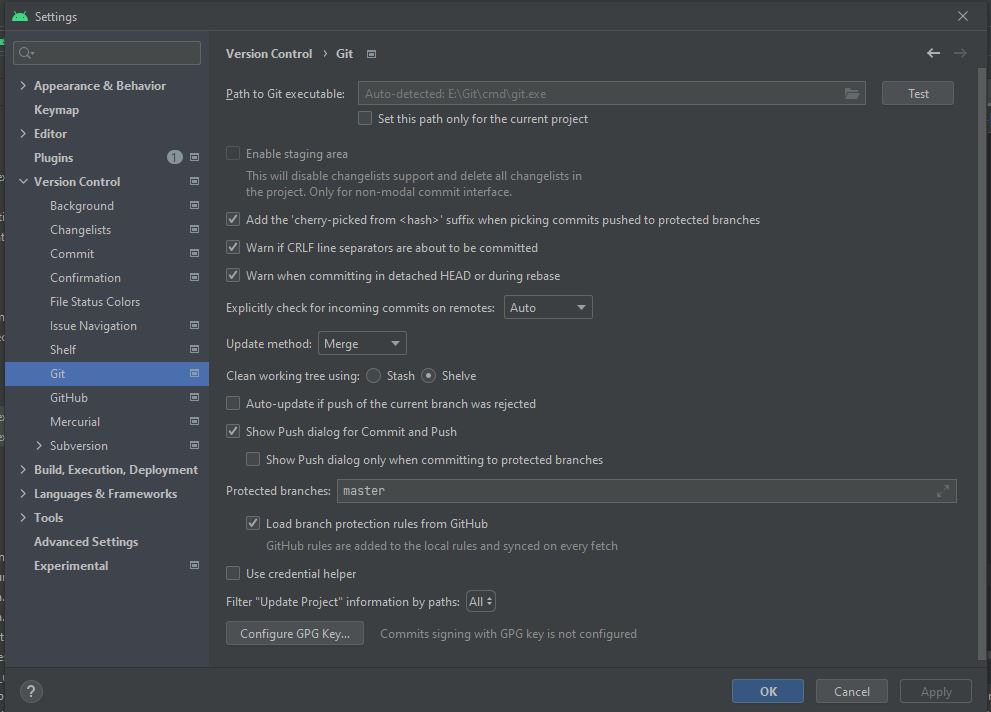
How to Use Git in Android Studio
- 0
In this blog, you will learn how to use Git in Android Studio. Firstly, you will learn the basic concept of Git and then create a new project using Git. Next, you will learn how to clone and fork a repository. Next up, you will see how to push your changes online using Github. Also…
Read More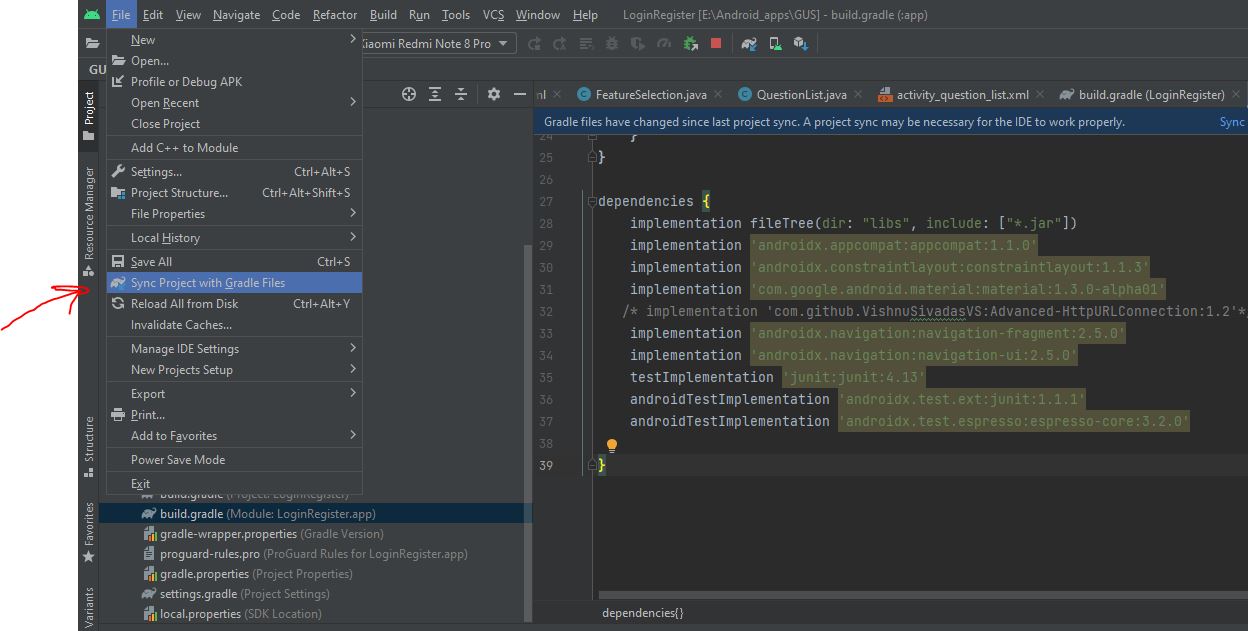
Way to fix “cannot resolve symbol R” in Android Studio
- 0
The problem “Cannot resolve symbol R” may have appeared frequently while you were developing android projects. The R is red when you initially create a new activity or class, and Android Studio informs you that it cannot identify the sign R. To import the necessary files that are missing, simply hover over the R symbol…
Read MoreAndroid Splash Screen using Android Studio
- 0
Most of the Android apps uses splash screen before launching their application activity. You can see that with most popular apps such as Skype, Facebook, Dropbox etc. While I was developing an Android APP POC for one of my customer, the requirement was to create a splash screen with their logo which stays on the…
Read More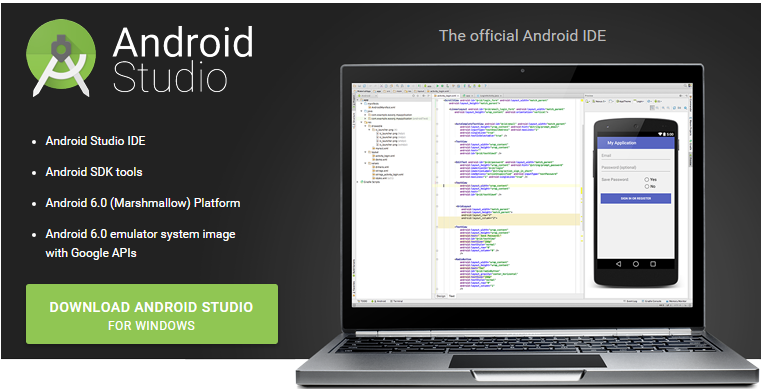
Android Studio Installation
- 0
Earlier I used to develop android applications using Eclipse IDE. Recently Google has released their own android IDE called as Android Studio. This is now the official Android IDE. So I installed Android Studio and thought of recording and sharing the steps. Here we go. Why Android Studio: 1. Intelligent code editor At the…
Read More