
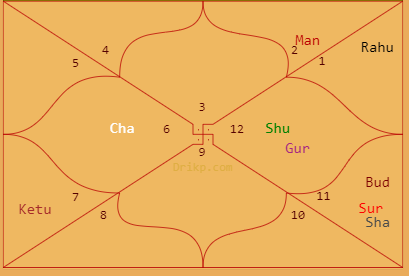
How to decide on Dakshinayana date
- 0

In Hindu panchanga, the year is called Samvastara. Each Samvastara has a name. This year 2022 is Shubakrut naam samvastara. There are two ayanas in a Samvastara. One is Uttarayana and the other is Dakshinayana. These Ayanas are generally of 6 months. The decision of the start day of this Ayana is made based on…
Read More
Top 10 Coding Languages to Learn to Work in Technology in 2023
- 0
Programming languages are obviously very important to software engineers. Programming languages have not only made it simpler for coders to finish their work, but they have also made it possible for organizations to accomplish their objectives in the most effective way possible. You’ve come to the correct spot if you’re curious about the programming languages…
Read More
How to Change Version Code and Version Name in Flutter
- 0

We released a flutter application on the Play Store, and now I want to submit a new version of the application. We are attempting to alter the version number using the below command in Visual Studio Code: flutter build apk –build-name=1.3.0 –build-number=3 or alterring the local.properties like this (through Android Studio or Visual Studio Code)…
Read MoreParagraph Retrieval from Mysql
- 0
When I was working with one of the website Designing, I noticed a strange problem. May be it’s not a problem. But for a developer it looks like a problem. Many of us can come across such issue. So I thought of penning down the known solution for it. When you store some paragraph of…
Read More
How to upgrade Git on Windows to the latest version
- 0
Upgrading Git on Windows is a simple process that can be accomplished in a few minutes. You shouldn’t need to take any special action to update your Git client software; simply update the program as instructed in the installation message. You can find the version of your installed git with the below command: git –version:…
Read MoreHow to Change Version Code and Version Name in Flutter
- 0

We released a flutter application on the Play Store, and now I want to submit a new version of the application. We are attempting to alter the version number using the below command in Visual Studio Code: flutter build apk –build-name=1.3.0 –build-number=3 or alterring the local.properties like this (through Android Studio or Visual Studio Code)…
Read More